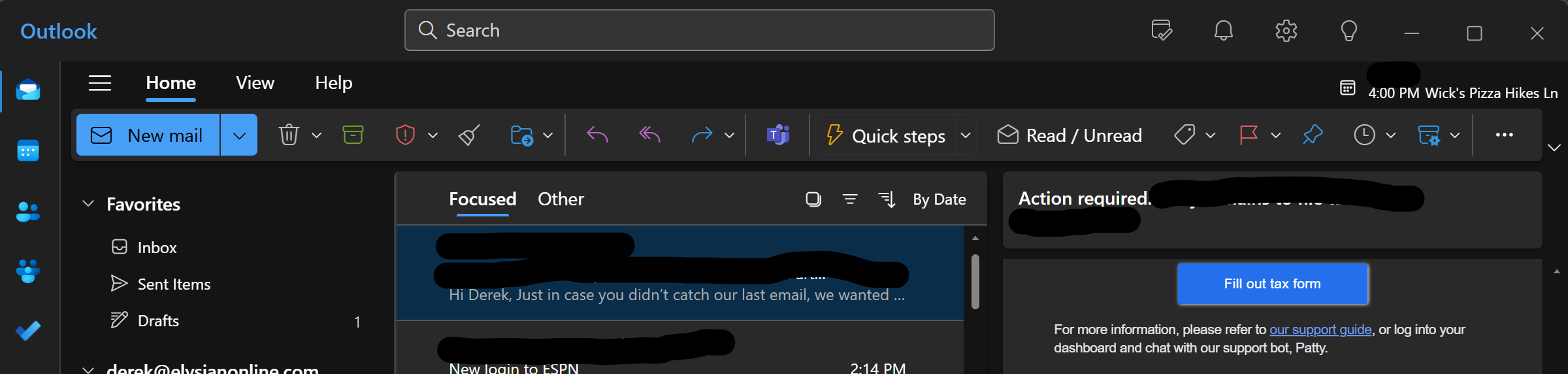
Microsoft released a new version of Microsoft Outlook in the latter half of 2024. This Outlook will replace Windows Mail in Window 12 and is an upgrade to what is now labeled as Outlook Classic. If you use the web-based version of Outlook, you are using Outlook New. If you have downloaded desktop versions, you can tell which outlook is which by the look and feel of the menu bar.
What version of Outlook do I have? - Microsoft Support
New Outlook in Dark Mode
Microsoft Learn Article:
Create and add an email signature in Outlook - Microsoft Support
Different email clients may require you to setup signatures separately. This article does not cover native iOS or Android email clients though adding your Microsoft 365 account to these mail clients will work.
Was this article helpful?
That’s Great!
Thank you for your feedback
Sorry! We couldn't be helpful
Thank you for your feedback
Feedback sent
We appreciate your effort and will try to fix the article